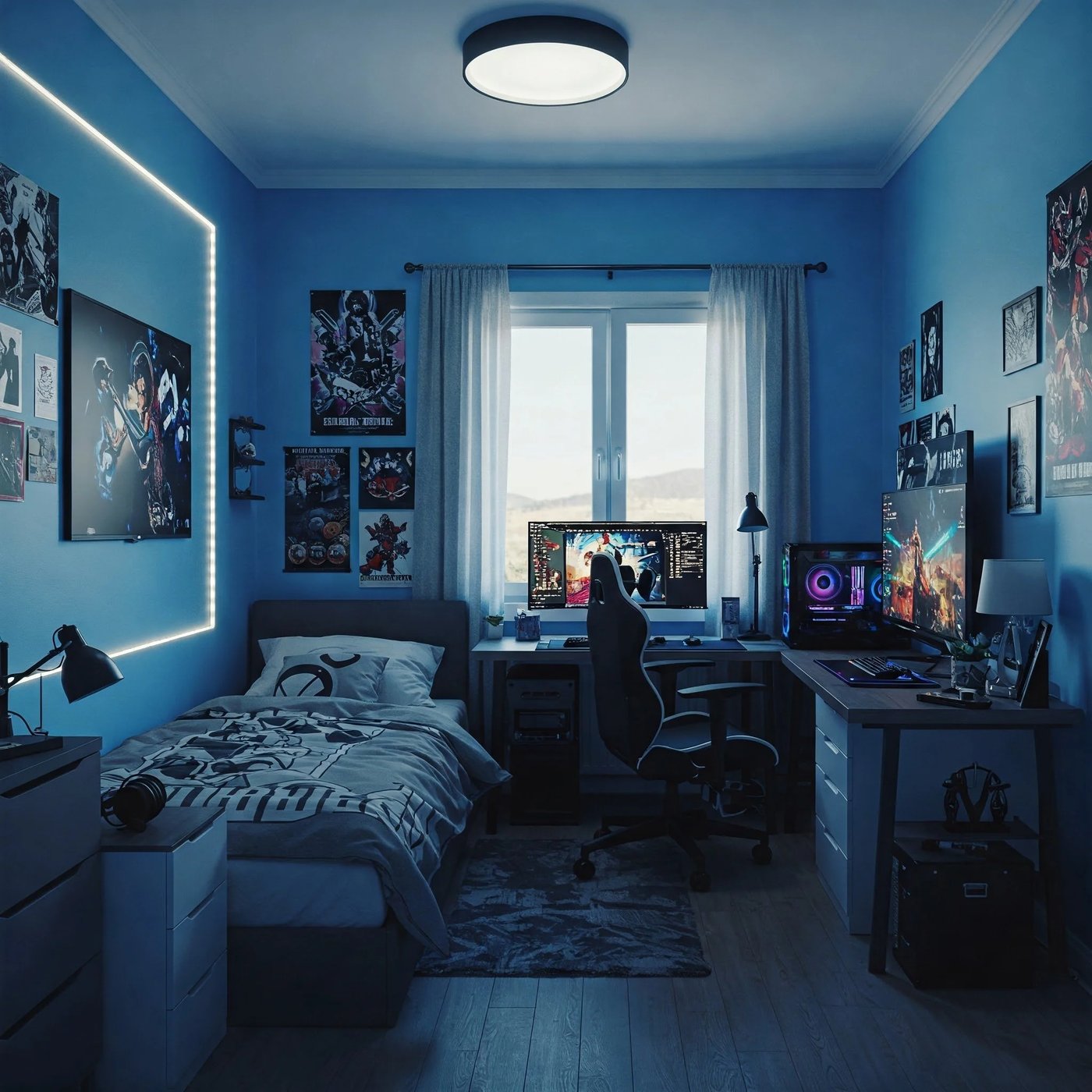
A dorm-sized gaming setup has one real constraint a bedroom setup doesn't: you're often sharing the space, and the desk has to double as a study spot most of the day. Here's how to build a setup that looks intentional in both modes.
Lighting sets the whole mood
A behind-monitor RGB bias light does more for the "gaming setup" feeling than almost anything else on this list, and unlike a full RGB strip installation, it's fully removable at move-out and doesn't require any wall modification.
The chair matters more than people expect
A dorm-scaled ergonomic chair pays off during long study-and-stream sessions in a way a desk chair borrowed from a dining set never will. Look for one sized for a smaller room rather than a full-size gaming throne that eats the whole desk footprint.
The difference between a gaming corner and a gaming mess is almost always cable management.
Solve for two monitors before you need them
If there's any chance you'll add a second monitor later in the year, get the arm now. Retrofitting a single-monitor desk setup is a bigger hassle than starting with the mount already in place, even if you only run one screen for the first semester.
Don't overlook the keyboard
A low-profile mechanical keyboard takes up less desk depth than a standard board, which matters more in a dorm than it ever did at home, where the desk was twice the size.
Charge your mouse without thinking about it
A wireless charging mousepad means your mouse charges passively while you work, so battery level stops being something you have to track separately.
A good dorm gaming setup should look just as normal to your roommate during a 9am lecture as it does during a late-night ranked session.